






- User research and analysis of how visitors actually behave
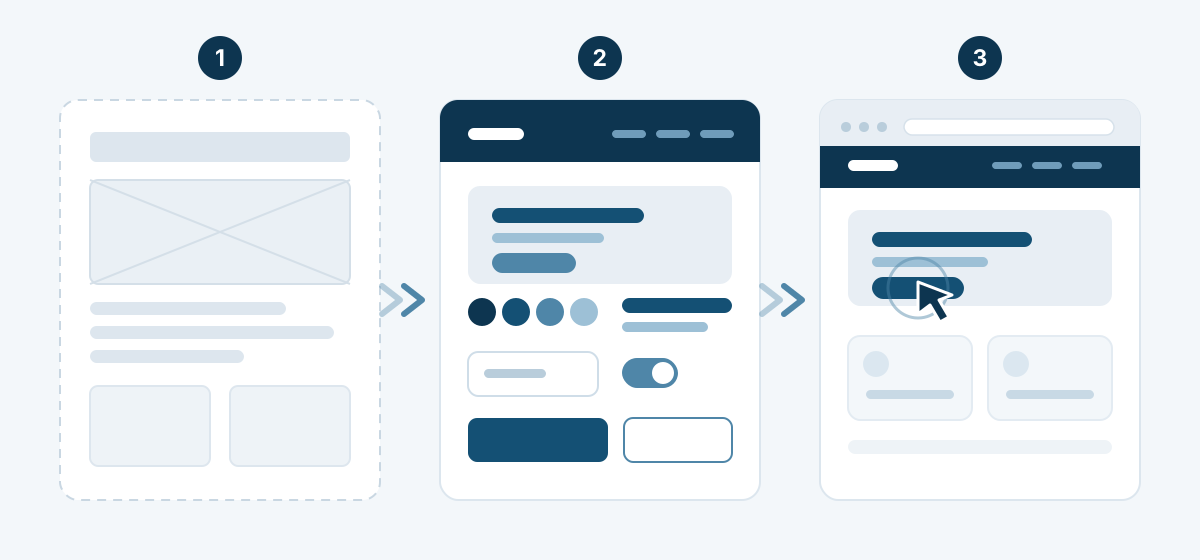
- Wireframes and information architecture before any visual design
- An interactive prototype you try out before development starts
- Design system: colours, typefaces, components and their states
- Accessibility and contrast checked against WCAG 2.2 AA
- Developer handoff with specifications, assets and every screen
UI/UX design that turns a visitor into a customer
A website can look impressive and still lose customers on the third click. UX (user experience) decides whether someone finds what they came to do; UI (user interface) decides whether they trust what they see. We work on both: on websites, e-shops, booking systems, dashboards and mobile applications.
Every project starts with the same question: what does the visitor need to do here, and what gets in the way? The answer comes from your analytics, from your competitors and from watching real people use what you have today.
What UI/UX design includes
- User research: analytics, heatmaps, a competitor review and short interviews where they help.
- Information architecture: menus, page structure and naming people understand without thinking.
- Wireframes: the layout of every screen in black and white, before colour distracts anyone.
- Interface design: typography, colour, spacing, icons and imagery that carry your identity.
- Design system: reusable components with every state — hover, focus, error, empty, loading.
- Interactive prototype: a clickable version you and your team try before a line of code is written.
- Usability testing: five to eight real users, recorded sessions and a list of fixes ranked by impact.
- Developer handoff: specifications, spacing, assets and behaviour on every screen, so the build matches the design.
UI or UX: what is the difference?
UX is the path: the steps a visitor takes from landing on the page to calling you, ordering or booking. It is researched, drawn as a flow and tested. UI is the surface: typefaces, colours, spacing, buttons and states — the part people call "the design".
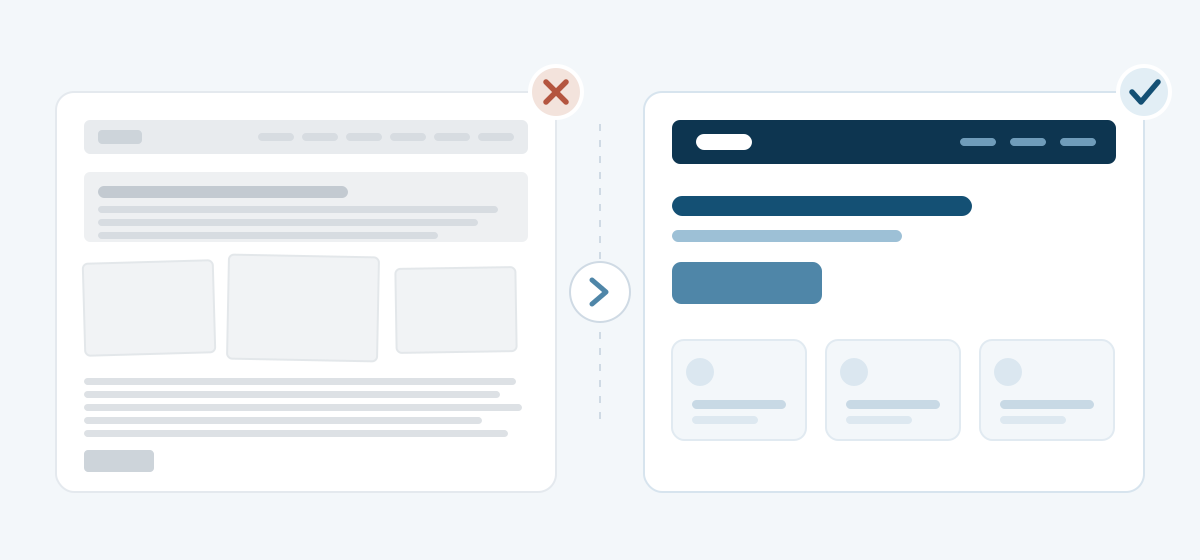
A beautiful UI on a broken UX produces a site people admire and leave. A sound UX with a careless UI produces a site people use but do not trust. They are two halves of the same job, and we never sell one without the other.
Where UI/UX design pays off fastest
- E-shops: the path from the product to the checkout, where every unnecessary field costs orders.
- Bookings and appointments: hotels, clinics and services where the form is the product.
- Dashboards and business software: ERP, CRM and internal tools people use for hours a day.
- Mobile applications: iOS and Android, where a thumb and a small screen set the rules.
- Corporate websites: where the goal is a phone call or a form, not a page view.
Accessibility is part of the design, not an extra
We check contrast, focus order, touch target sizes and keyboard navigation against WCAG 2.2 AA while we design, not after launch. At this stage it costs nothing extra, and it keeps the site usable for someone with low vision, on a bright street or on a slow connection.
How we work with you
We work from Thrace and remotely, wherever your team sits. You watch the prototype take shape in the browser, not as a PDF. Comments go on the real screens, in one place, and nothing moves to development before you have clicked through it yourself.
If you already have a website or an application, we start with a UI/UX review of what exists: what works, where customers are lost and what is worth redesigning first. Tell us what you are building and get in touch — we will come back with a scope and a timeline.
Research
We look at your analytics, your competitors and the questions your customers actually ask.
Structure
Information architecture and wireframes: what goes on each screen and in what order.
Interface
Visual design, a design system and every state a component can have.
Testing
We test the prototype with real users, fix whatever confuses them and hand it over.
Frequently asked questions
What is the difference between UI and UX design?
UX design defines the path and the structure: what the visitor is trying to do and how quickly they manage it. UI design defines the surface: colours, typography, spacing, buttons and the states of every element. A project needs both.
Do I need UI/UX design for a small website?
For a simple presentation page with a few sections, a sound structure is usually enough. A separate UI/UX project pays off when the visitor has to complete steps: an e-shop checkout, a booking flow, a dashboard or an application.
Can you redesign an existing website or application?
Yes. We start with a review of the current screens and analytics, list the problems in order of impact and redesign in stages, so you are never left with a half-finished interface.
What do I receive at the end?
An interactive prototype, the design files with a reusable design system, exported image assets and a specification for the developers. The files are yours, whoever builds the project afterwards.
Do you also build what you design?
Usually yes: we develop the site or the application on our own CMS or on whichever platform fits. If you have your own development team, we hand over the design and stay available while it is built.
How long does a UI/UX project take?
A review of an existing interface takes a few days. A complete project, from research to a tested prototype, usually runs three to six weeks, depending on how many screens and flows it covers.
Get a free website quote
Call us or send a message and we will get back to you right away.